
 French
  English
  Arabic
 This screen displays the “My Learning” section, where users can view their timetable and track scheduled learning events or classes. The timetable allows filtering by date and event type. If there are no scheduled events for the selected period, a “No Events Found” message is shown.
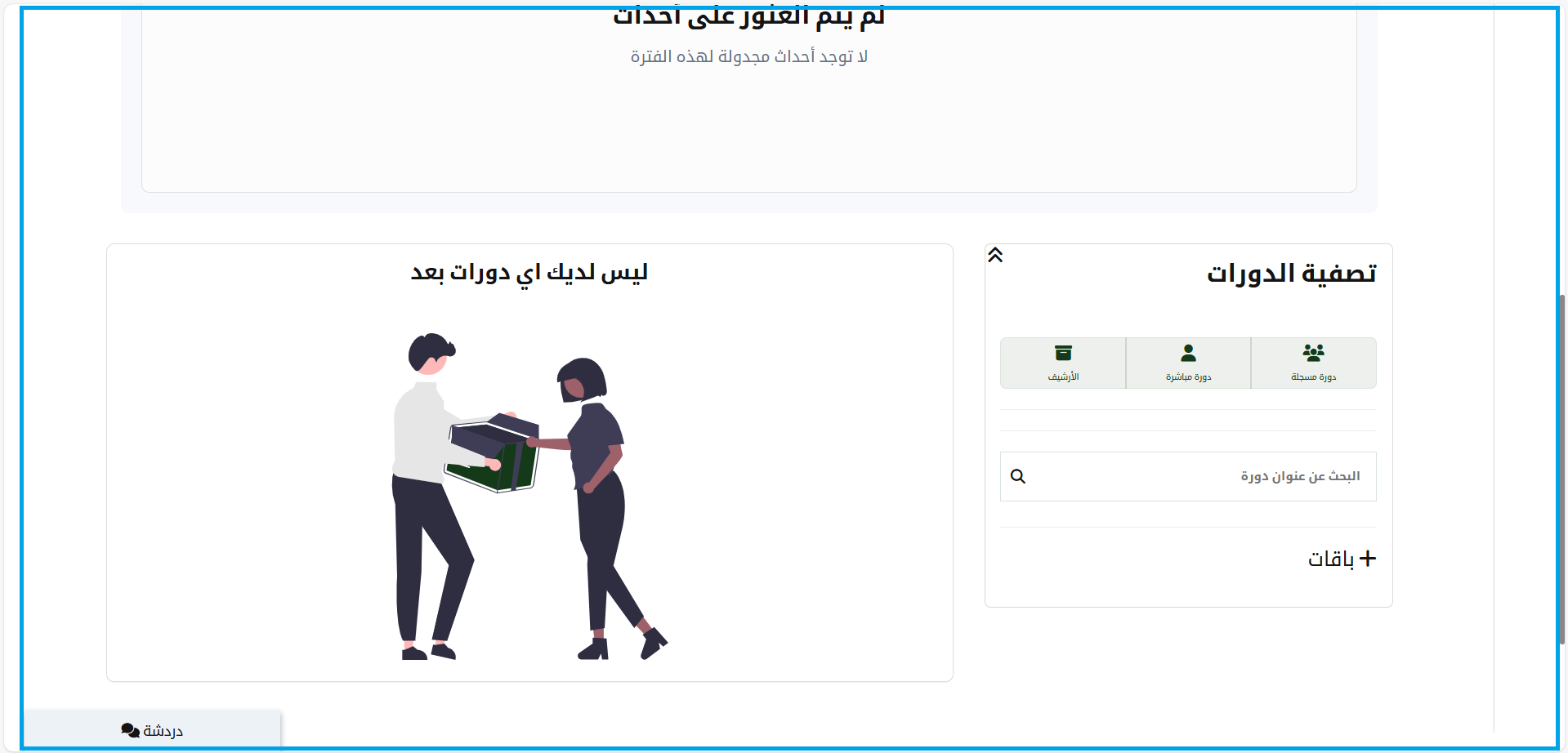
1- The main section of the home page is an information management tool that monitors and analyses. It gives you a visual display of all your academy and contains a chat tab to contact any academy users.
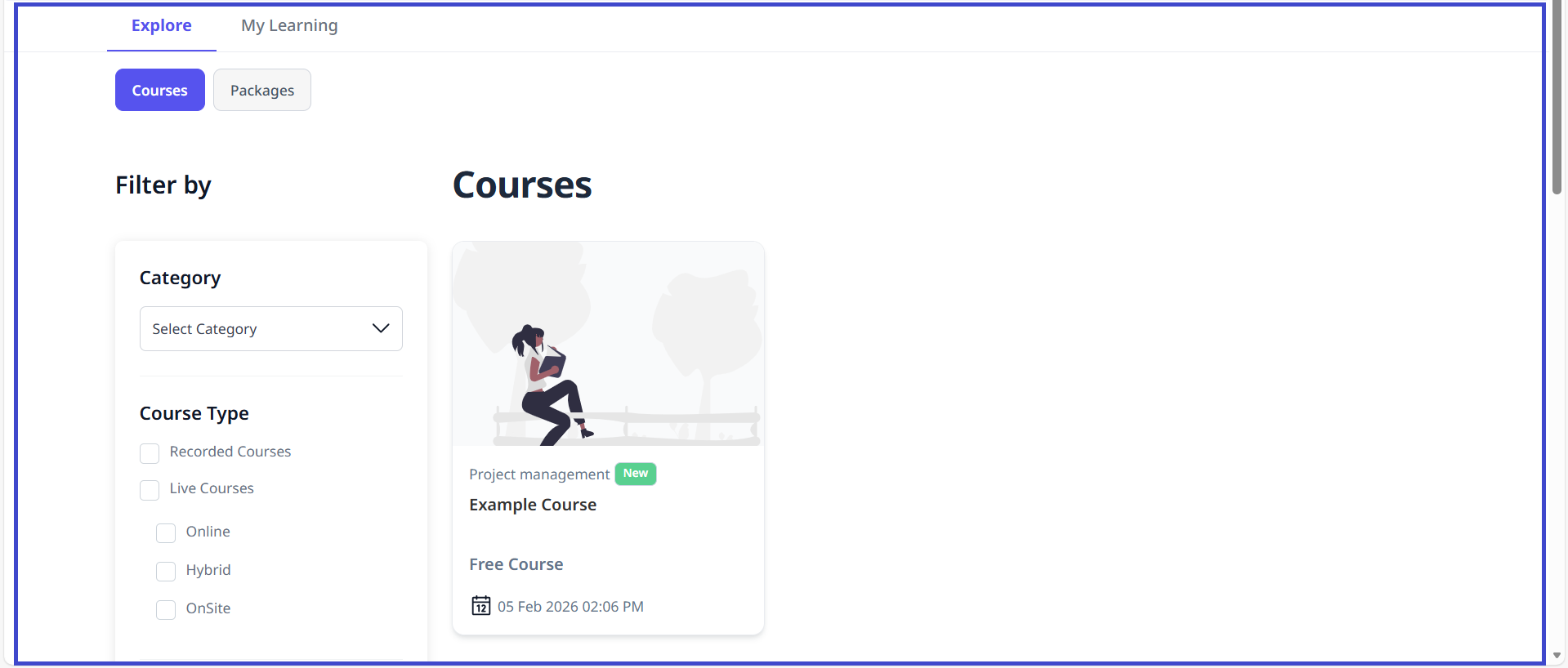
2- The Courses table shows on the dashboard, PACKAGES, RECORD COURSE, LIVE COURSE, ARCHIVES, and WORKFLOW, and you can click + to enroll in a new course.


