 English
  Arabic
  French
Table of Contents
If your questions are simple and text-based, then you can add them faster through the “Add Bulk Core Questions” button.
To Add Bulk Questions: #
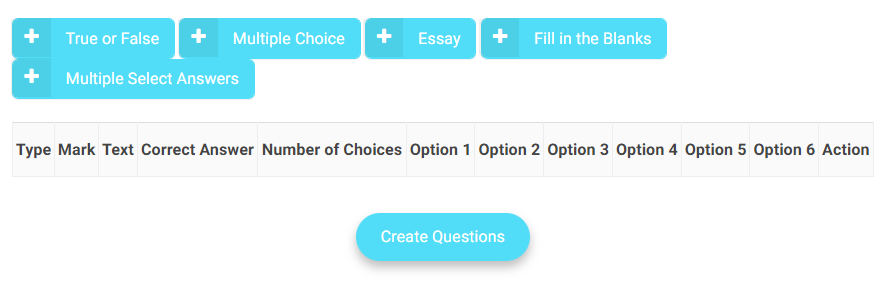
1. Select the question type by clicking “+”. You can add as many questions as you need at once.
2. Fill each question field: Mark, Text, Correct answer, and Options.
Note: You are limited here to text core questions, but you can edit it later and add images, equations, etc.
3. Click “Create Question” to save all questions.