 English
  Arabic
  French
 Activation reports are a tool that is used to follow up on the activation of teachers, students, and the school in general and to count their achievement of the goals that are set for them. These goals are placed on homework and exams, virtual classes, discussion rooms, and content.
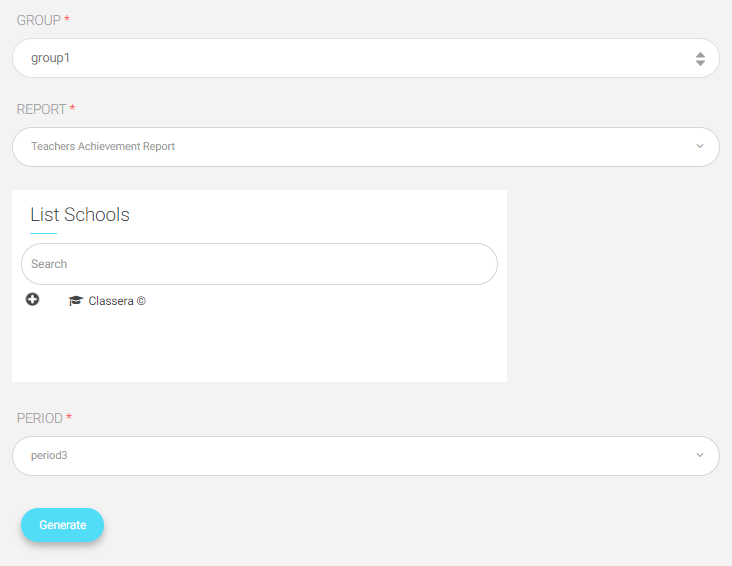
To Generate an Activation Report: #
1. Choose “Activation Reports” from the main menu.
2. Choose a group of the added activation reports, such as “Group 1”.
Note: The system administrator must add the settings for the activation reports first, then you can use them.
3. You still can change the group in the next step.
4. Choose a report to display, for example, “teachers Achievement Report”.
5. Select the school that you want to view its report.
6. Choose the period, for example, “Period 3”.
7. “Generate” the report.