
 English
  Arabic
  French
 To upload course content, do as follows:
- Click on the MyCourse button on the sidebar.
- Click on Manage your contents on the scratch list
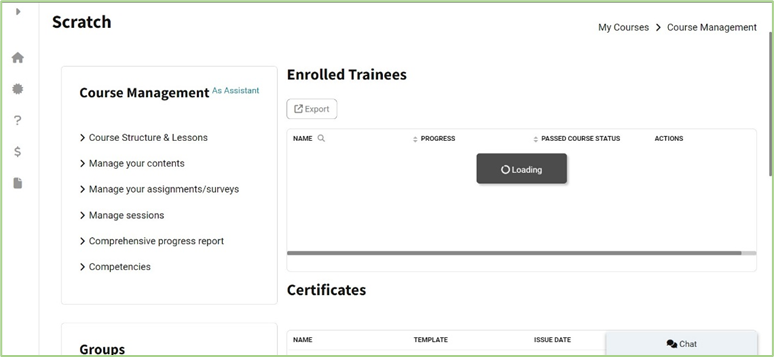
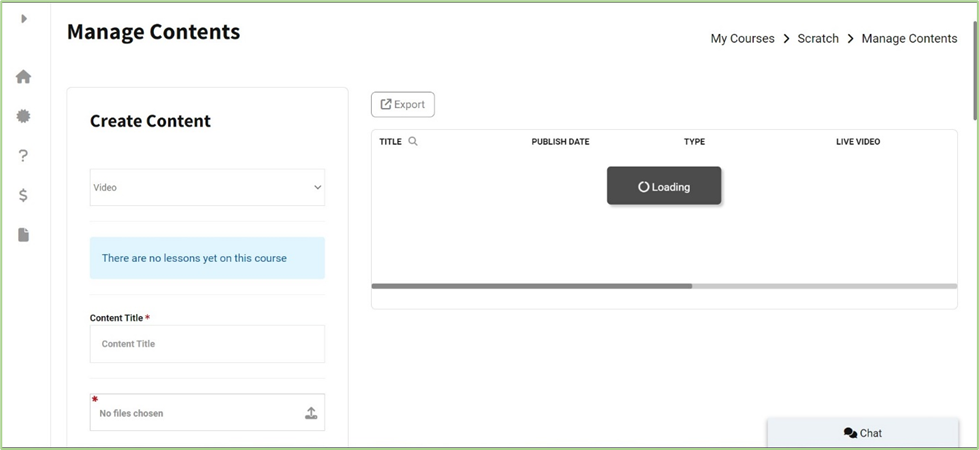
3. Manage Content Steps:
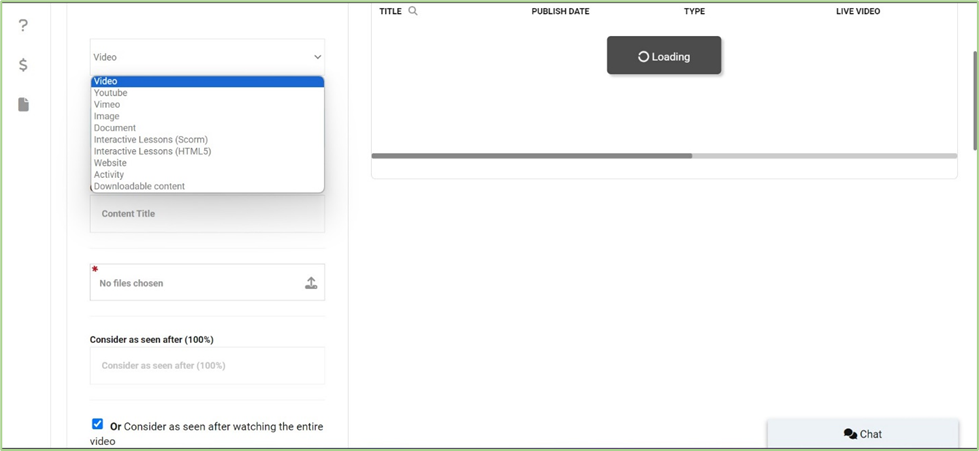
- create content by entering a content title and uploading the file.
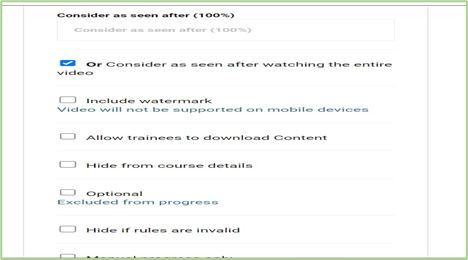
- You can choose the option that works best for you:
- Consider as seen after 100%
4. In the Course Options section, select the policy you want to edit. Set course actions to your chosen value of either:
- On for everyone
- Disable Comments/Messages
- Limit Comments/Message
- Share with other trainers’ file managers.
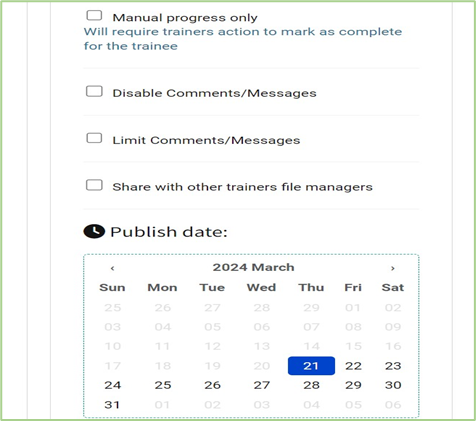
5. Set the Publish date and time.


