 English
  Arabic
  French
Table of Contents
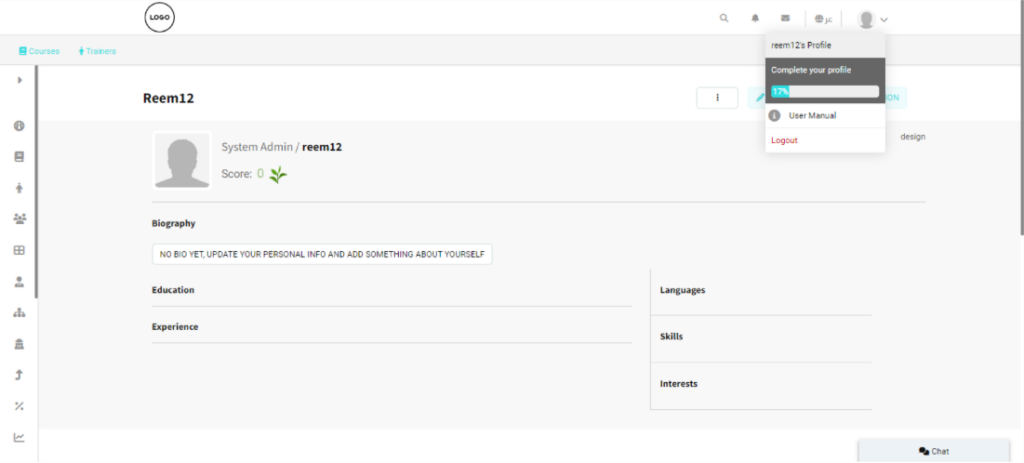
The Personal bar is a list of tabs containing all the user information to help you access and edit any of your data. Click the photo icon at the top right of your homepage to look deeper into your items.
Personal Bar Contents: #
- User Profile: Provides access to your personal account information and settings.
- Trainer Mode: Switches the interface to the trainer role, allowing access to trainer-specific features.
- Trainee Mode: Switches the interface to the trainee role, enabling access to learner features.
- Corporate Mode: Switches the interface to the corporate user role for managing corporate-related functions.
- User Manual: Opens the Academy User Manual for system guidance and instructions.
- Log Out: Logs you out of your Classera Academy account securely.